For whoever has to see the data Private preview
See the whole graph, not a sample of it.
Request accessA query's result, as a graph
Every database has a Query graph and an Explore view. Run a query and see its result drawn as nodes and relationships; open a node and walk the graph from it, one hop at a time. Colour by label, size by importance, lay it out as a force graph, a tree or a circle, and save the view.
A whole graph as one picture
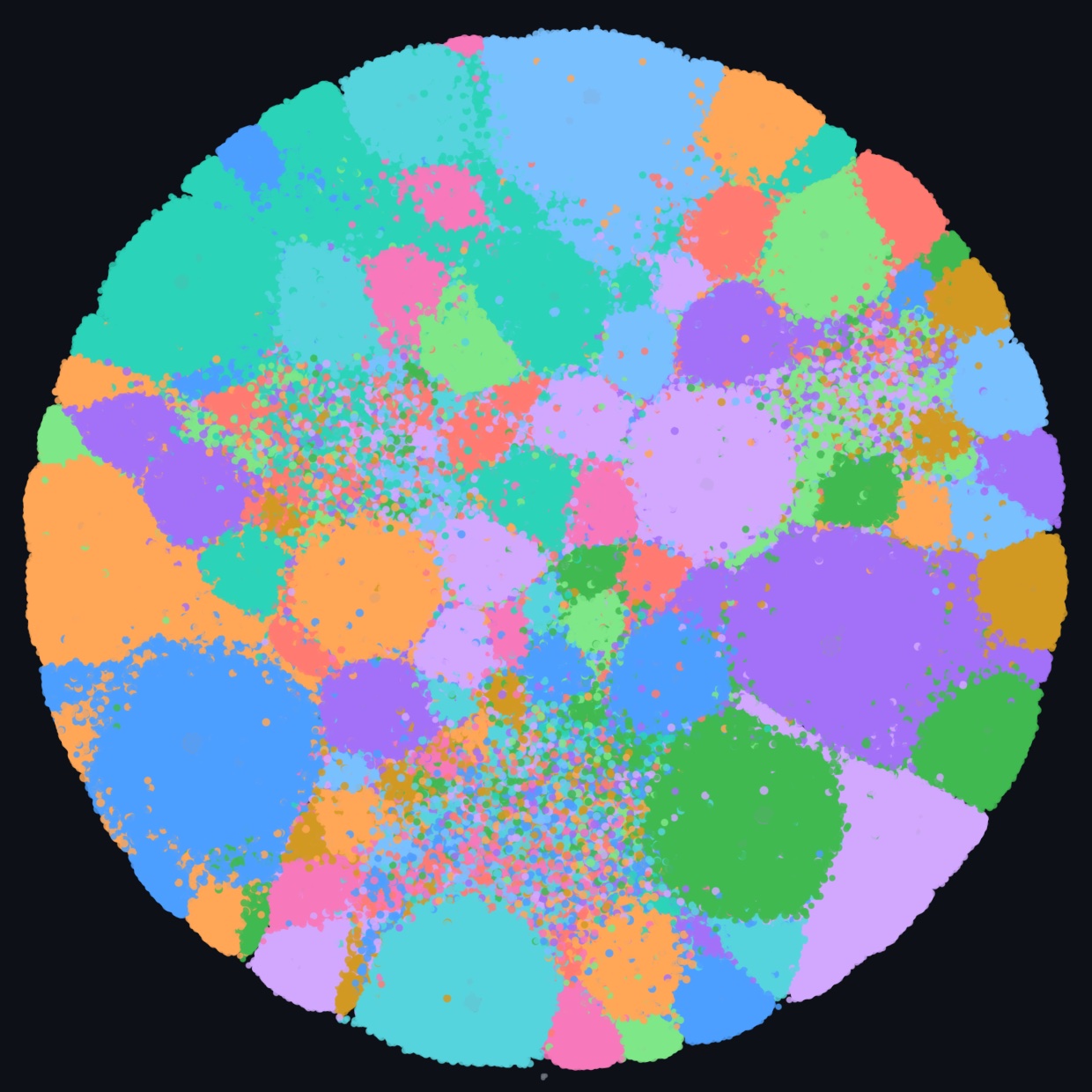
A graph map lays out every node and relationship once, by a job that runs near your database, quoted before it starts. Then it is yours to pan, zoom and search, at no charge: each colour is a community, a group of nodes more connected among themselves than to the rest.
Up to a hundred million nodes
A map holds the largest graphs: a hundred million nodes and half a billion relationships, drawn as dots and coloured by their communities, on a database of the right size.
Close up, with the database behind it
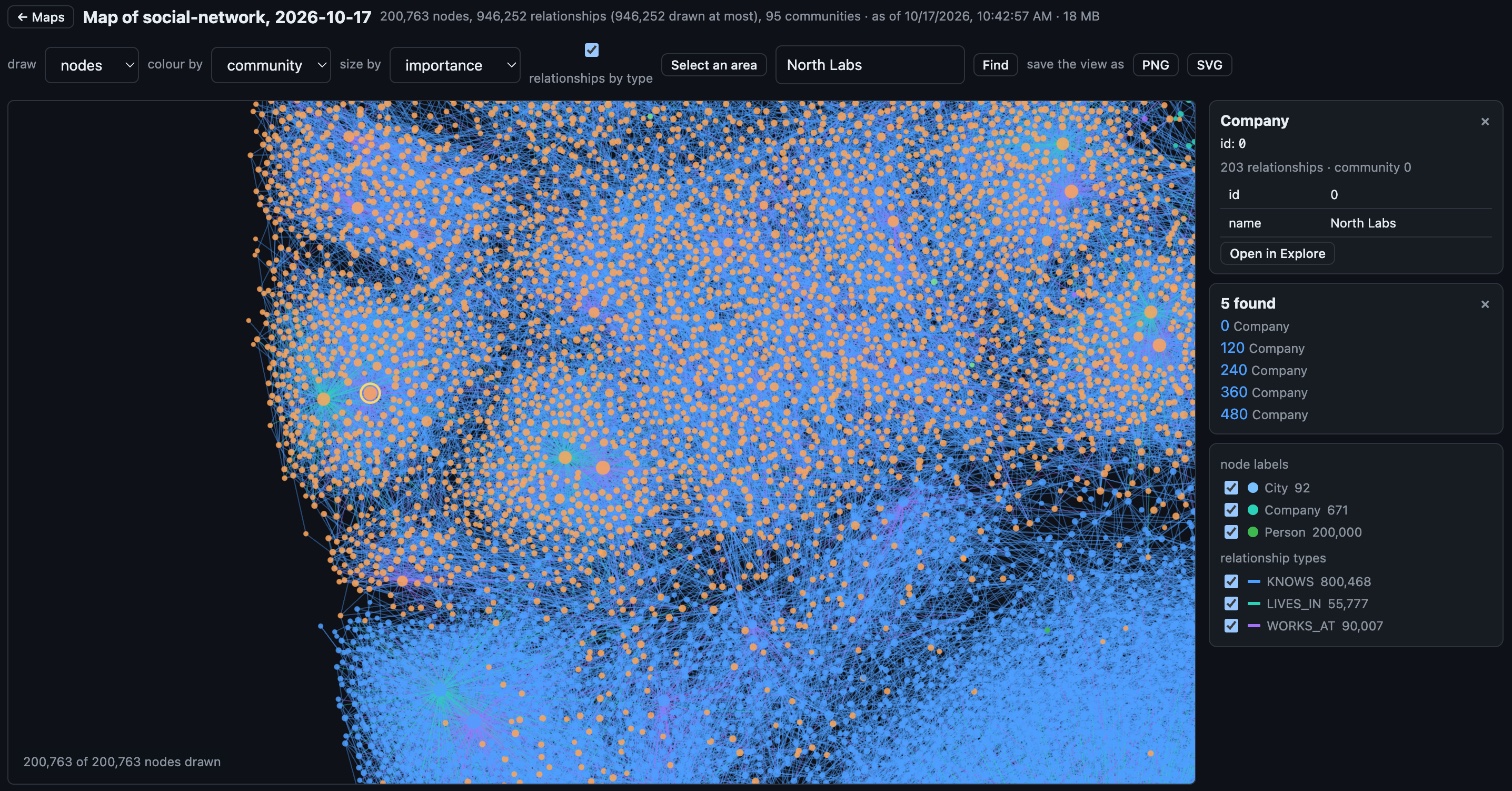
Zoom in where two communities meet, find a node by name, and open it beside the map to read its properties from the database.
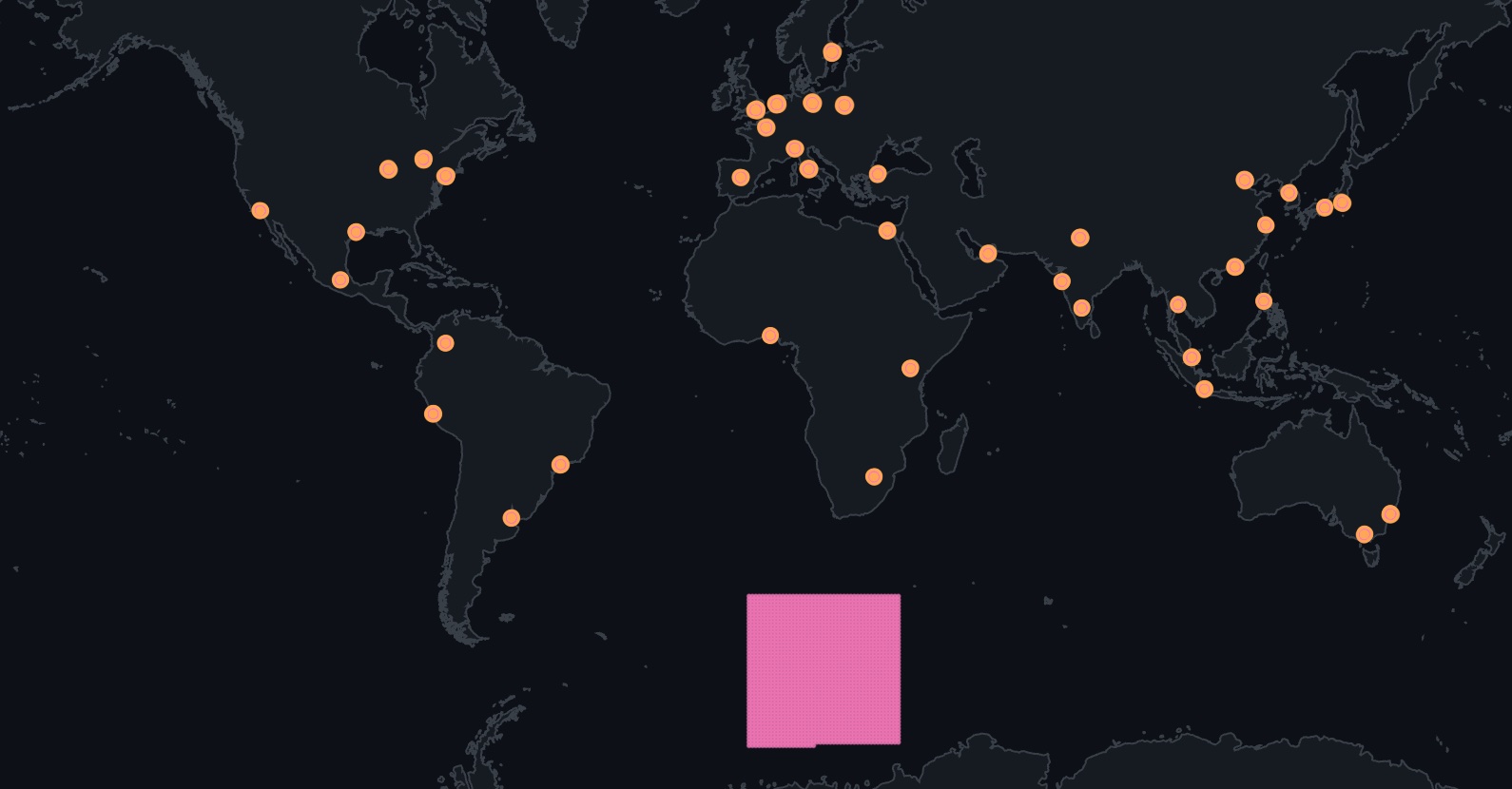
By location
Nodes with a latitude and a longitude take their place on a world map; the nodes linked to them, which have none, sit beside them.
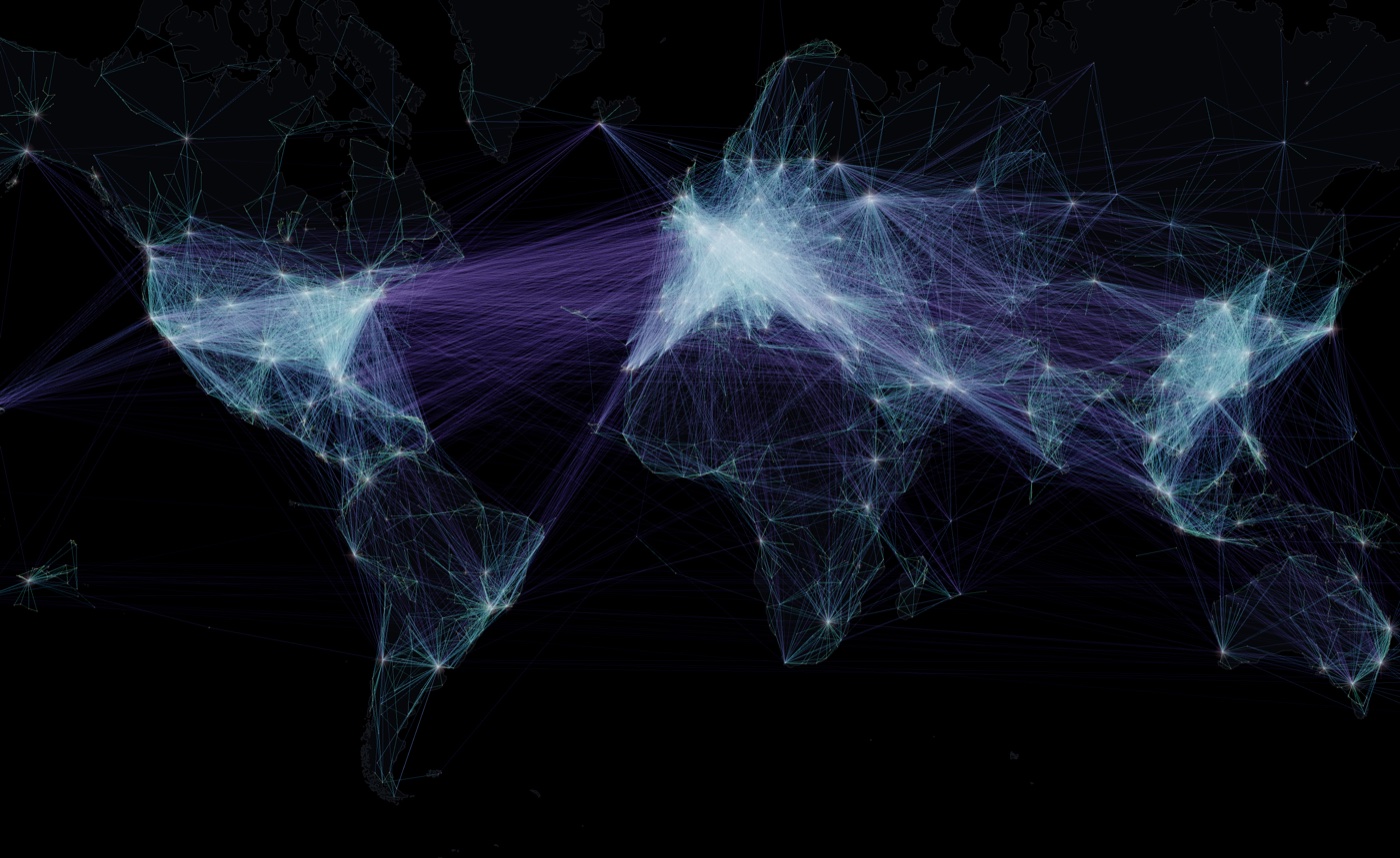
Glowing
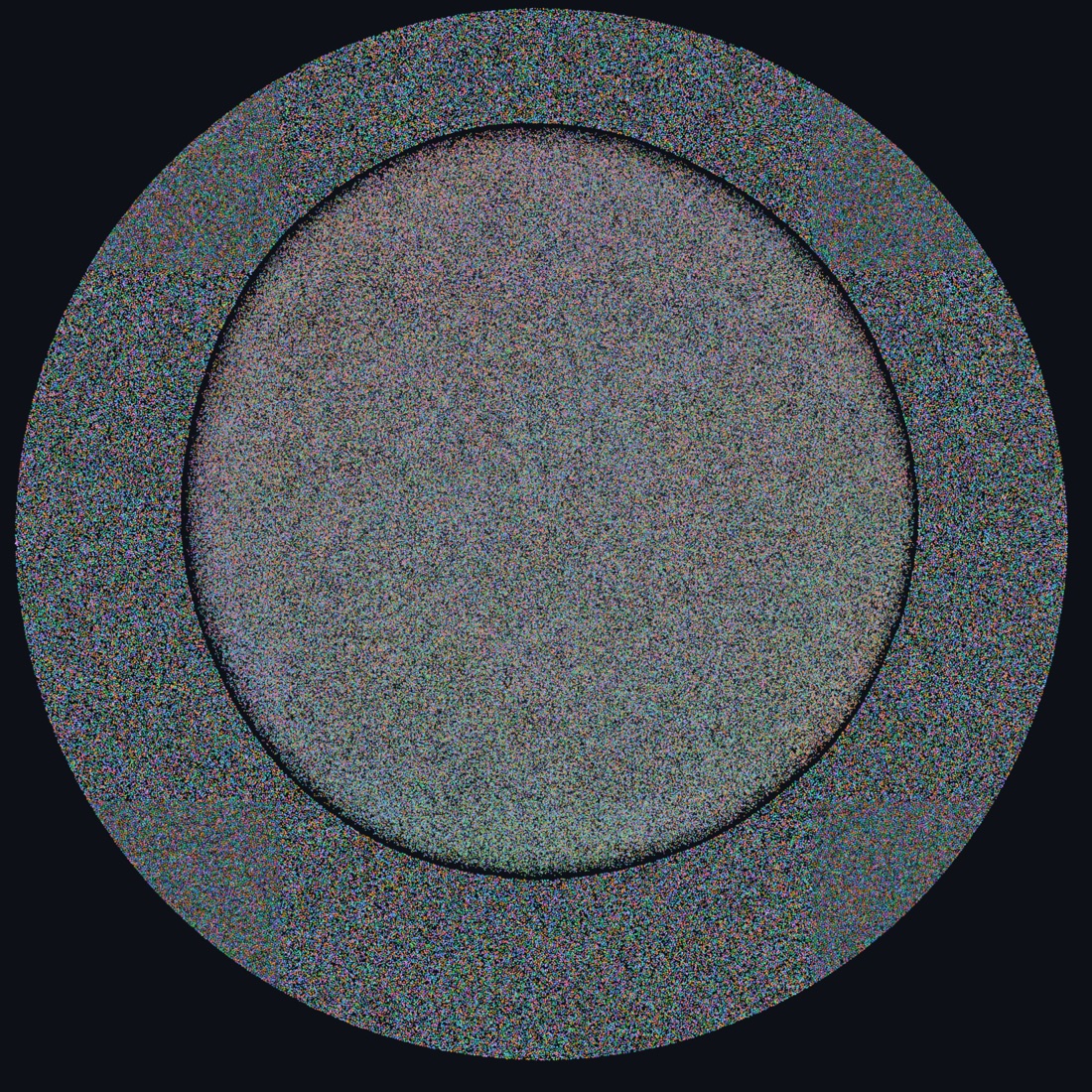
Relationships drawn as light, coloured by their length or their type, so the shape of the graph shows through its density.
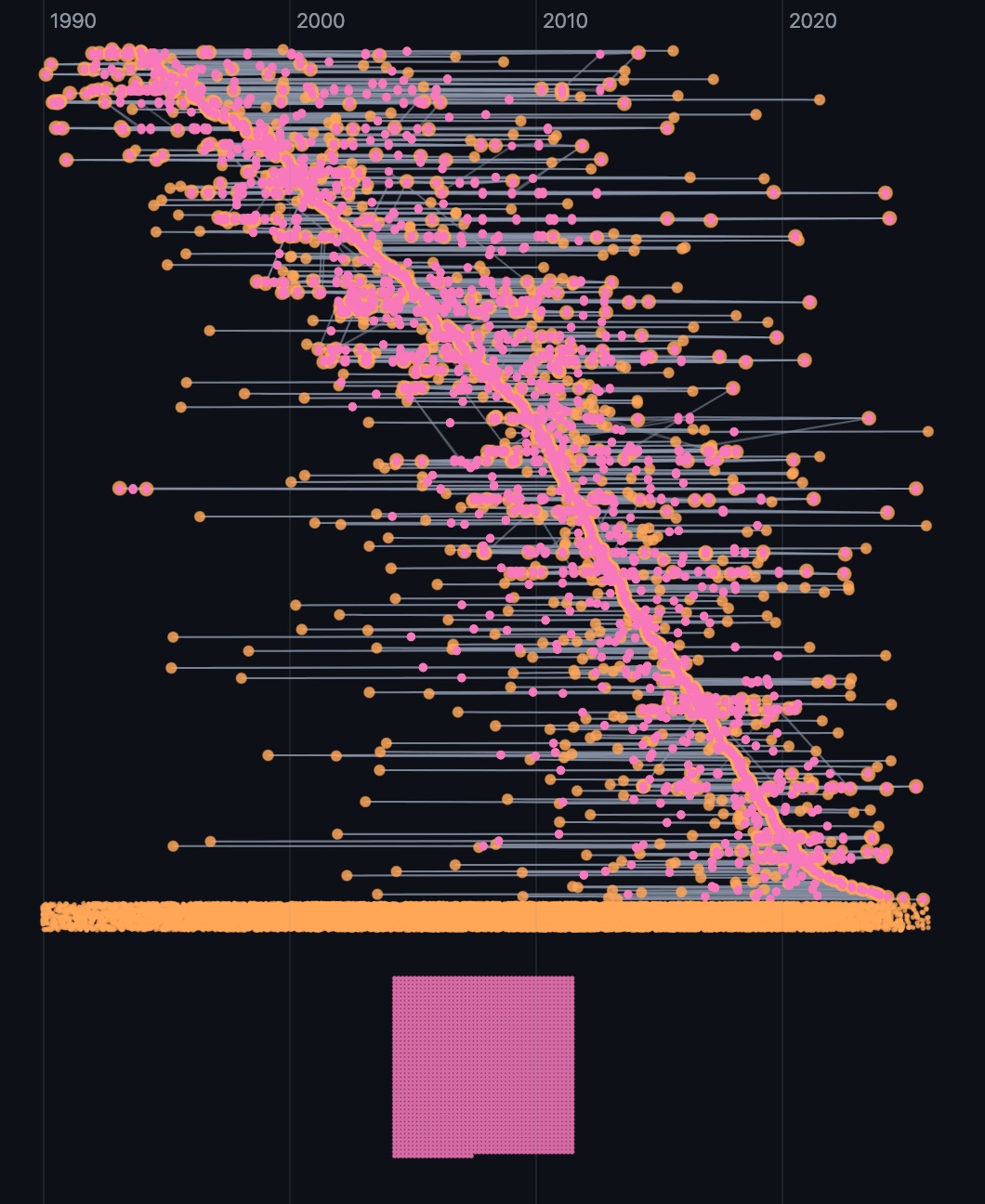
By time
Nodes with a date take their place along it, a row per community, the earliest on top.
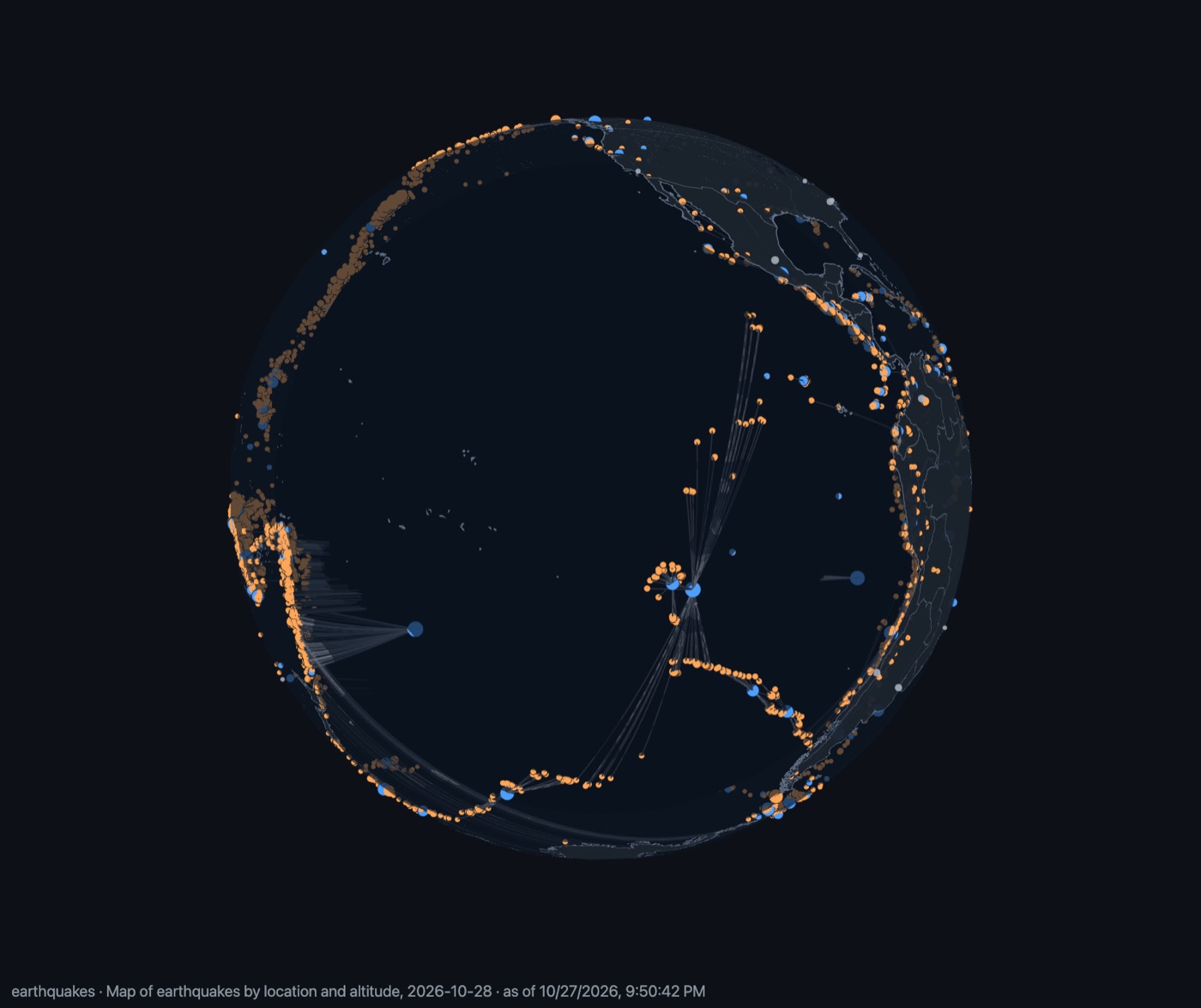
On a globe, at altitude
In 3D, nodes with a latitude, a longitude and an altitude sit on a see-through globe, above its surface or below it. Turn it, tilt it, and zoom in to a region.
On axes
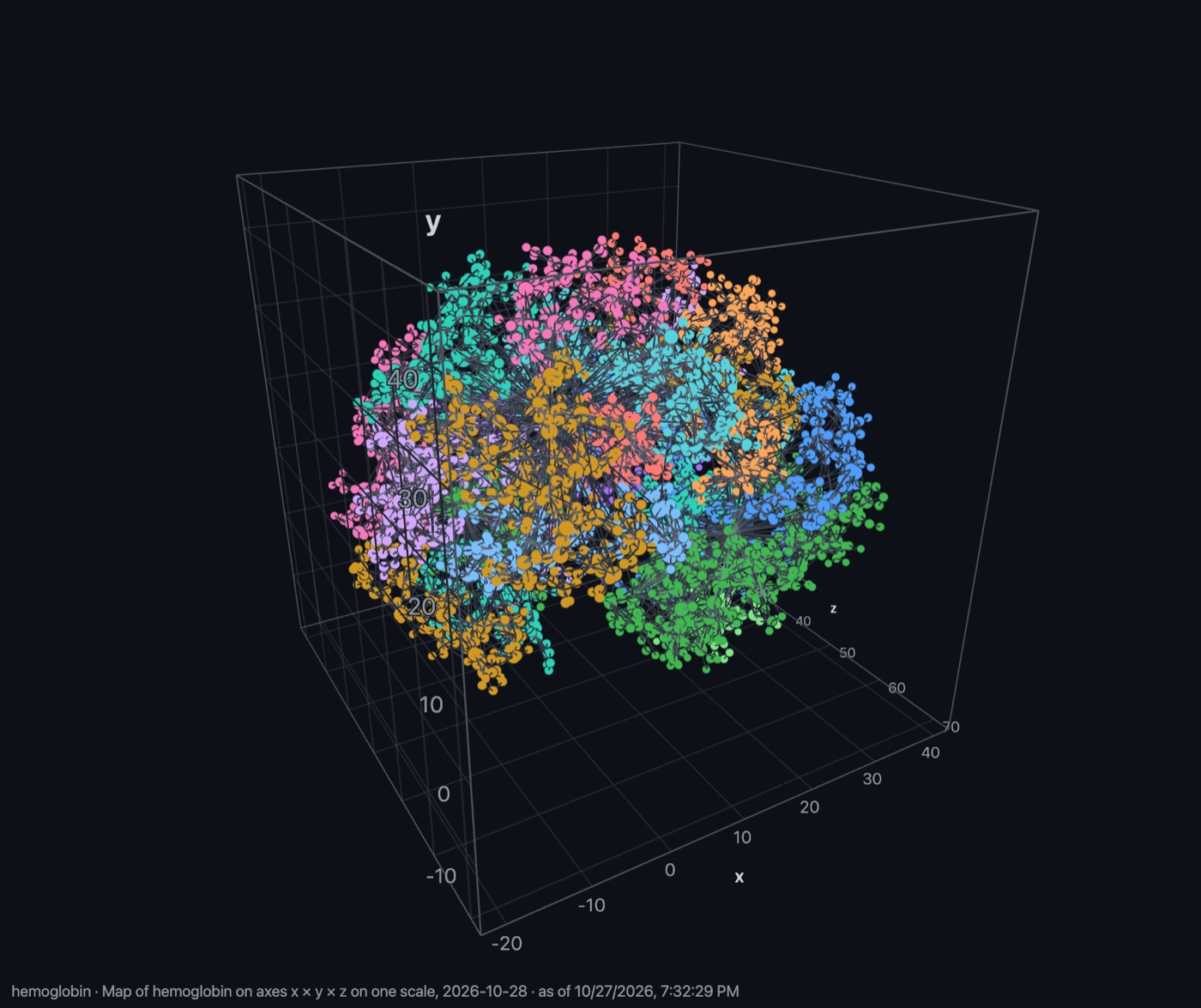
Give each axis a property, numbers, dates or a property's values in bands, and every node takes its place by its own values: across, up, and in depth in 3D.
Over the streets
Under a map placed by location, choose streets instead of the atlas: OpenStreetMap's roads and buildings, served from MicroGraphs' own tiles, so a graph of a city sits on the city.
On your own website
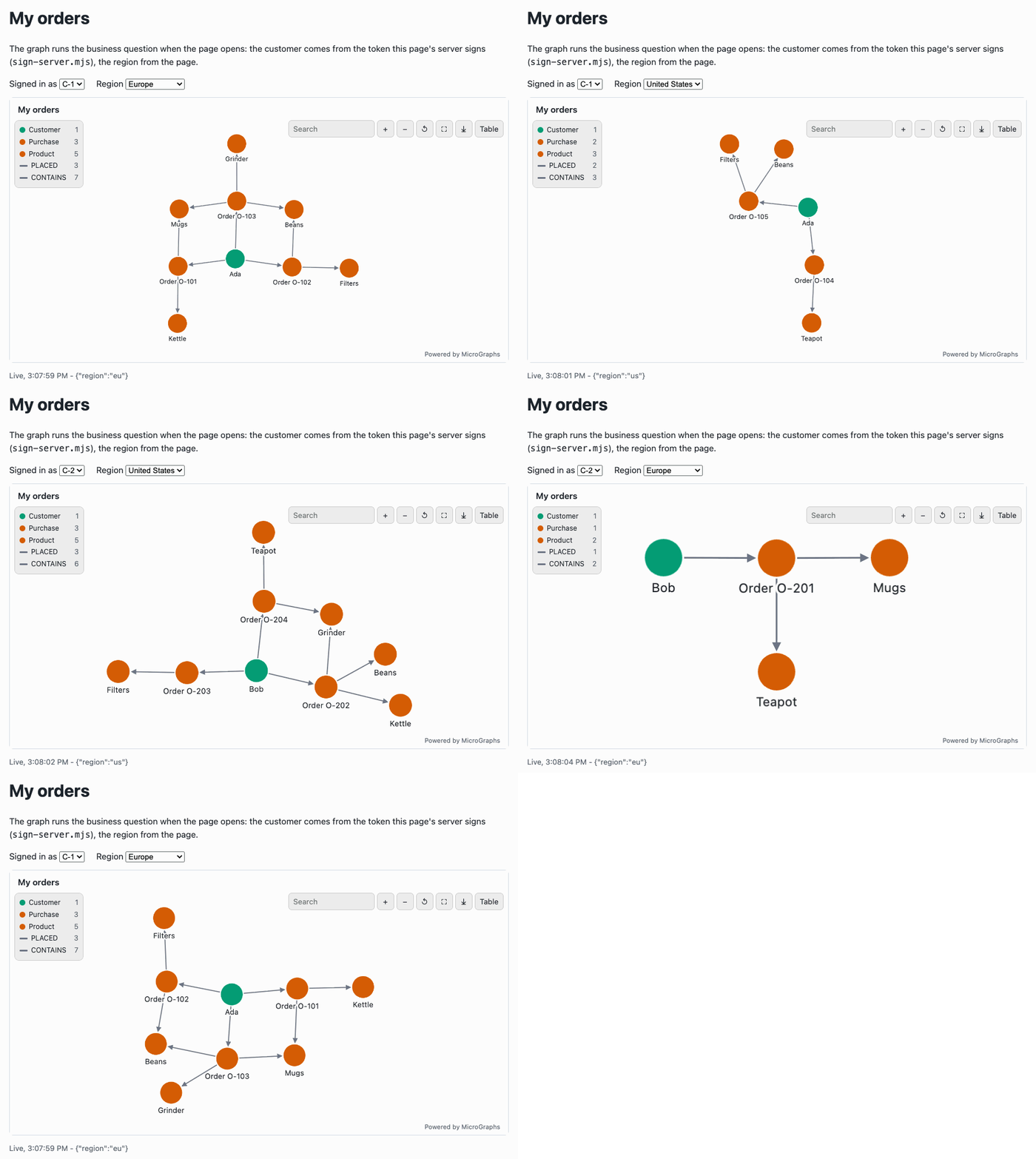
Publish the graph behind a query or a business question as an embed on your site, styled in a designer, in 2D or 3D. Refresh it on a schedule, or let it answer each visitor live with the values of the page.